McIDAS-X User's Guide
Version 2025.1
[Search Manual] [Table of Contents] [Go to Previous] [Go to Next]
You can start the GUI by running the command GUI from the McIDAS-X Text and Command Window. To start the GUI automatically when you start a McIDAS-X session, add the line -c 'GUI' to your .mcidasrc file.
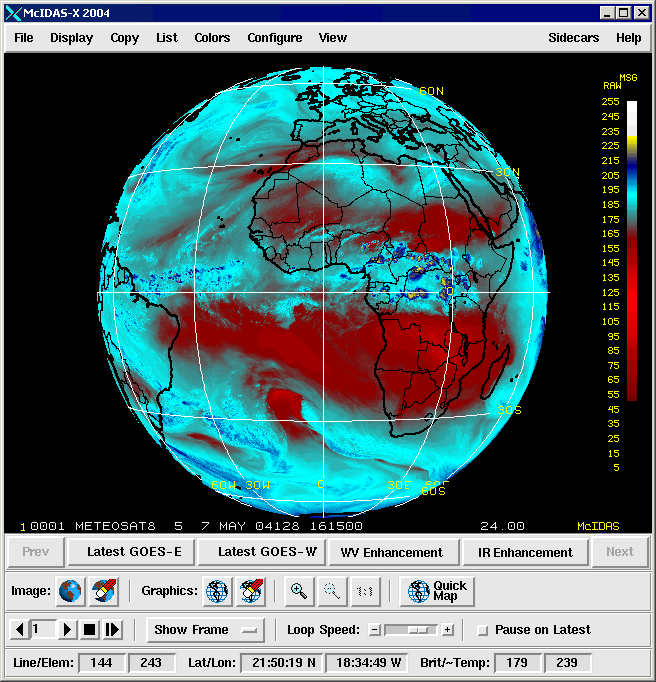
When you start the GUI, a menu bar and frame controls are added to the Image Window as shown below. For information about using the GUI frame controls, select Getting Started from the Help menu.
To exit the GUI, choose Exit GUI from the File menu. The GUI closes and the standard McIDAS-X Image Window reappears. To exit both the GUI and the McIDAS-X session, choose Exit McIDAS from the File menu.
[Search Manual] [Table of Contents] [Go to Previous] [Go to Next]